Google Employer Message Access: Understanding Workplace Communication Monitoring
Introduction
Let’s face it workplace communication has changed dramatically over the past decade. Gone are the days when office conversations happened only across desks or in conference rooms. Today, emails, internal chats, project management platforms, and collaboration tools dominate how teams interact. But here’s the question many employees quietly wonder about: Who else can see these messages?
This curiosity often leads people to search for something like google employer message access. In simple terms, it refers to the ability of employers or administrators to access employee communications within Google-based workplace systems such as Google Workspace. Now, before you panic and imagine someone reading every message you’ve ever sent—hold on! The reality is far more nuanced.
Organizations manage digital communication tools to maintain security, protect data, and ensure productivity. At the same time, employees naturally expect a certain level of privacy. Balancing these two perspectives can be tricky, and honestly, it’s a conversation that many workplaces are still figuring out.
In this article, we’ll explore what google employer message access really means, how it works, why companies use it, and what employees should know about their digital privacy at work. Along the way, we’ll unpack the benefits, risks, and ethical considerations shaping the future of workplace communication.
What Is Google Employer Message Access?
At its core, google employer message access refers to the ability of company administrators to review or retrieve communications within Google-managed workplace platforms. These platforms often include:
- Gmail (company email accounts)
- Google Chat
- Google Meet messages
- Google Drive comments
- Shared documents
- Internal collaboration tools
When a business uses Google Workspace, administrators have varying levels of control over data stored within the organization’s account. This means they may have access to certain communication logs or stored messages when necessary.
But here’s the key point—this access isn’t usually about spying on employees. Instead, it exists primarily for administrative, legal, and security purposes.
For example, organizations might access messages to:
- Investigate a data breach
- Respond to legal compliance requests
- Recover lost information
- Monitor security threats
- Ensure company policies are followed
Still, the idea that messages could be accessed can make employees uneasy. And honestly, that’s understandable.
Why Companies Use Google Employer Message Access
Companies don’t implement communication monitoring just for fun. There are several legitimate reasons organizations rely on administrative access to employee communications.
1. Data Security
Businesses handle sensitive data every single day. Customer information, financial records, internal strategies—you name it. If someone accidentally shares confidential details outside the company, it can cause serious problems.
Employer access helps organizations track potential data leaks and protect important information.
2. Legal Compliance
Many industries operate under strict regulations. Healthcare, finance, and government sectors often require companies to archive and review communications to comply with legal standards.
Without monitoring tools, organizations could struggle to meet these requirements.
3. Internal Investigations
Occasionally, workplace disputes or policy violations arise. When they do, administrators might review communication logs to understand what happened.
This process helps ensure fairness and accountability.
4. Recovering Lost Data
Ever accidentally deleted an important email or file? It happens more often than we’d like to admit!
Administrators may access stored data to recover missing messages or documents.
5. Cybersecurity Protection
Hackers and phishing attacks are constant threats. Monitoring systems can help detect suspicious activity before it turns into a full-blown security crisis.
How Google Workspace Allows Administrative Message Access
To understand google employer message access, it helps to know how administrative tools within Google Workspace actually function.
Administrators typically manage accounts through a centralized control panel known as the Admin Console. From here, they can configure policies, manage users, and oversee data security.
Some key features include:
Data Retention Policies
Organizations can set rules for how long messages and emails are stored. This ensures important communications aren’t lost.
Google Vault
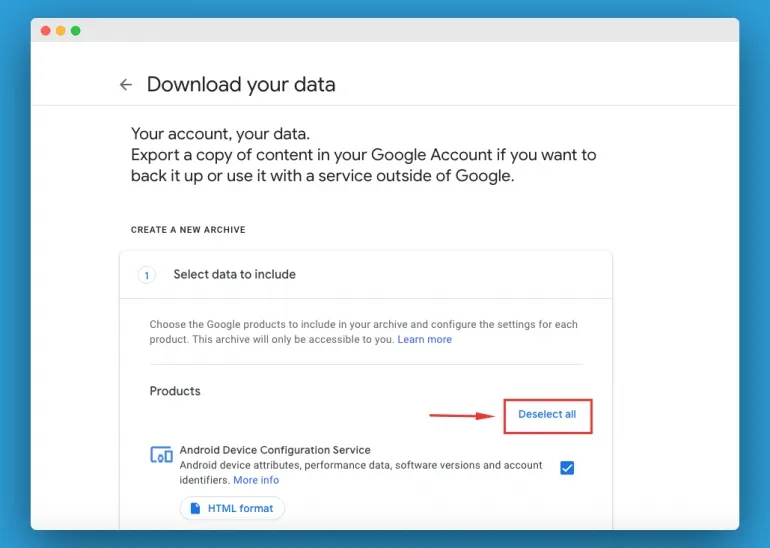
Google Vault allows administrators to search, archive, and export data for compliance or investigation purposes.
Security Monitoring
Administrators can monitor login attempts, suspicious activities, or unauthorized access attempts.
Access Permissions
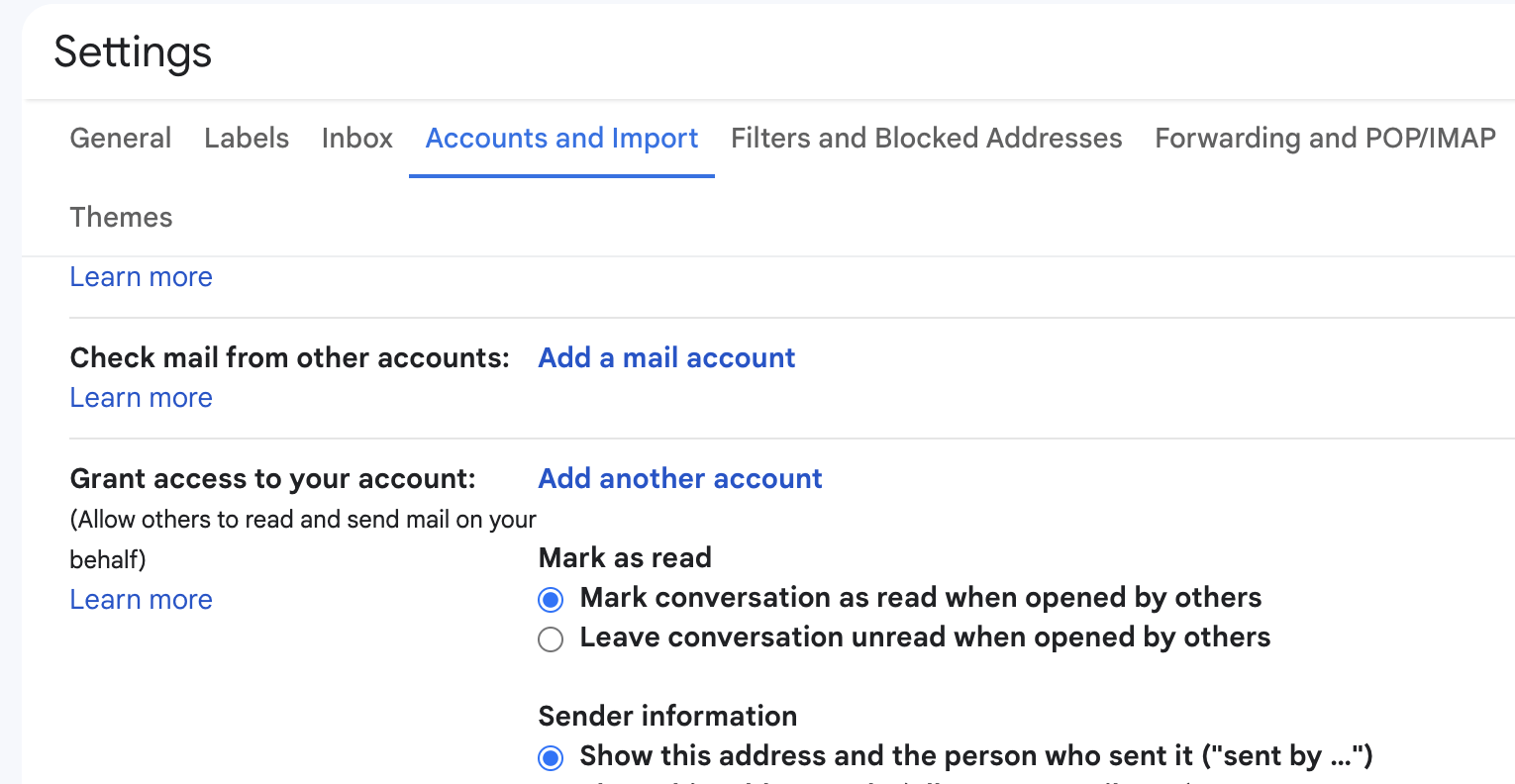
Companies can determine who has access to files, chats, and documents.
It’s important to note that access is typically restricted to authorized administrators—not just anyone in management.
Employee Privacy: What Should Workers Expect?
Now here’s the million-dollar question: Do employees have privacy when using company communication tools?
Well… yes and no.
Employees should understand that when using company-provided accounts, communications are generally considered organizational property. That means employers may have the right to access them under certain circumstances.
However, responsible companies follow clear guidelines to protect employee privacy.
Typical Privacy Practices
Many organizations implement policies such as:
- Limiting message access to authorized administrators
- Accessing communications only during investigations
- Informing employees about monitoring policies
- Protecting personal data where possible
Transparency is key here. Employees should always know how their communication data may be used.
iQOO Neo 10R Review: Specs, Price & Performance
MacBook Running Slow After Update Fix – Proven Solutions That Work
Signs Your Workplace May Use Communication Monitoring
Wondering if your workplace uses something similar to google employer message access? Here are a few clues that monitoring systems might be in place.
1. Employee Communication Policies
Most companies outline monitoring practices in employee handbooks or IT policies.
2. Data Retention Notices
If your workplace mentions storing emails or chats for a certain period, monitoring tools are likely involved.
3. Security Training
Organizations that emphasize cybersecurity often use monitoring to protect internal systems.
4. Admin-Controlled Accounts
If your email address ends with the company domain, administrators typically have some level of access.
Ethical Concerns Around Message Monitoring
While communication monitoring serves important purposes, it also raises ethical questions.
Some critics argue that excessive monitoring can harm workplace trust. After all, employees who feel constantly watched might become less comfortable sharing ideas or collaborating freely.
Common concerns include:
- Loss of personal privacy
- Workplace stress
- Fear of misinterpretation
- Reduced creativity
On the flip side, supporters argue that monitoring protects companies and employees alike.
Finding the right balance is the real challenge.
Best Practices for Employees Using Workplace Messaging
Whether or not your company actively monitors messages, it’s always smart to follow good communication habits.
Here are a few practical tips:
Keep Work Conversations Professional
Even casual chats should remain respectful and appropriate.
Avoid Sharing Sensitive Information
Unless necessary, avoid discussing confidential topics in unsecured channels.
Separate Personal and Work Accounts
Using personal devices or accounts for private conversations helps maintain boundaries.
Understand Your Company’s Policy
Take time to read workplace communication policies. It’s better to know the rules than guess!
The Future of Google Employer Message Access
As remote work continues to grow, digital communication tools will become even more central to workplace collaboration. That means systems like google employer message access will likely evolve as well.
We may see several trends shaping the future:
Increased Transparency
Companies are becoming more open about monitoring policies.
Smarter Security Tools
Artificial intelligence may help detect threats without requiring constant human oversight.
Stronger Privacy Controls
New regulations could require stricter limits on employer monitoring.
Employee Education
Organizations may invest more in training employees about digital communication safety.
Ultimately, the goal is to create a system where security and privacy coexist.
Frequently Asked Questions (FAQs)
Can employers read Google Chat messages?
Yes, administrators in organizations using Google Workspace may have the ability to access stored chat messages under certain conditions.
Is google employer message access always active?
Not necessarily. In most cases, administrators access messages only when needed for investigations, security issues, or compliance requirements.
Are personal Gmail accounts monitored by employers?
No. Employers cannot access messages from personal Gmail accounts unless those accounts are linked to company systems or devices.
Can employees prevent employers from accessing messages?
If you’re using a company account, employers generally retain administrative control. The best approach is to follow workplace communication policies.
Do companies notify employees before accessing messages?
Policies vary. Some organizations notify employees, while others reserve the right to access communications without prior notice if necessary.
Conclusion
The idea of google employer message access might sound intimidating at first—but when you dig a little deeper, it becomes clear that its purpose is largely about security, compliance, and organizational management rather than surveillance.
Modern workplaces rely heavily on digital communication tools, and with that convenience comes responsibility. Companies must protect sensitive information and maintain secure systems, while employees deserve transparency and fair treatment.
When both sides understand the rules and expectations, things tend to run much smoother.
So, the takeaway? Communicate professionally, stay informed about your company’s policies, and remember that workplace messaging platforms are—first and foremost—business tools.